PassportCrop for Chrome and Edge
Crop a passport, visa or ID photo to the right size from your browser toolbar. It runs on your device, so your photo is never uploaded.
Free. No ads. No sign-up.
What you can do
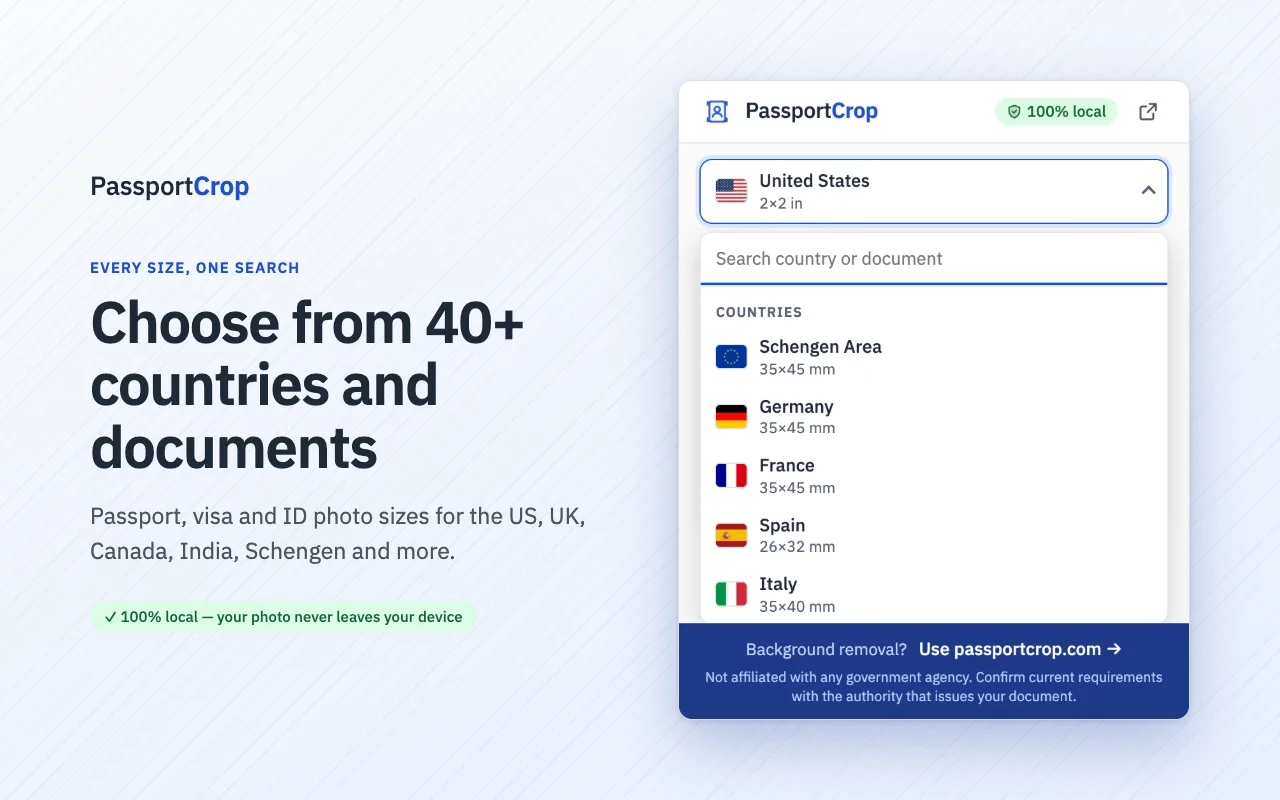
32 countries, plus ID and visa sizes
Search the size list by country or document name. The extension remembers the last size you picked.
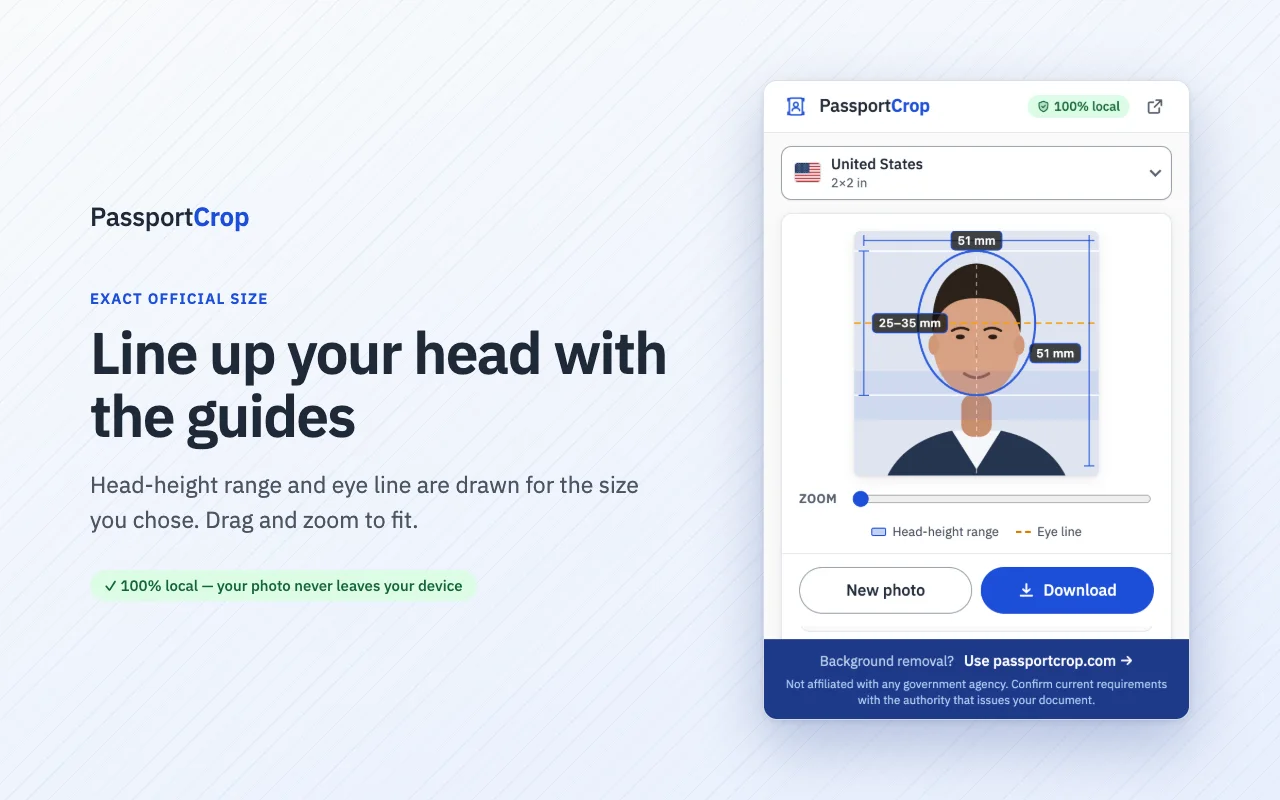
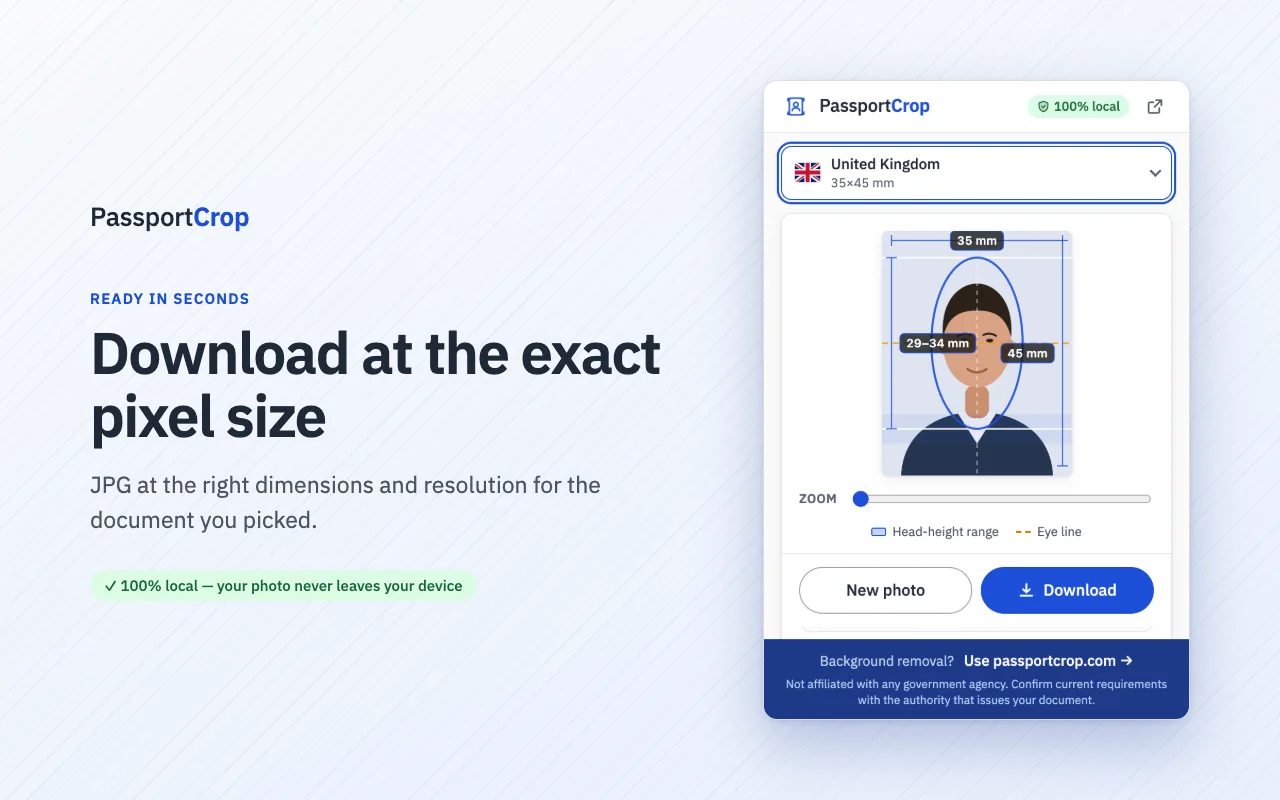
Head-height and eye-line guides
Drag and zoom your photo inside the crop frame until your head sits within the guides for the size you chose.
iPhone photos open directly
Drop in a HEIC file, or a JPG, PNG or WebP. No separate converter is needed.
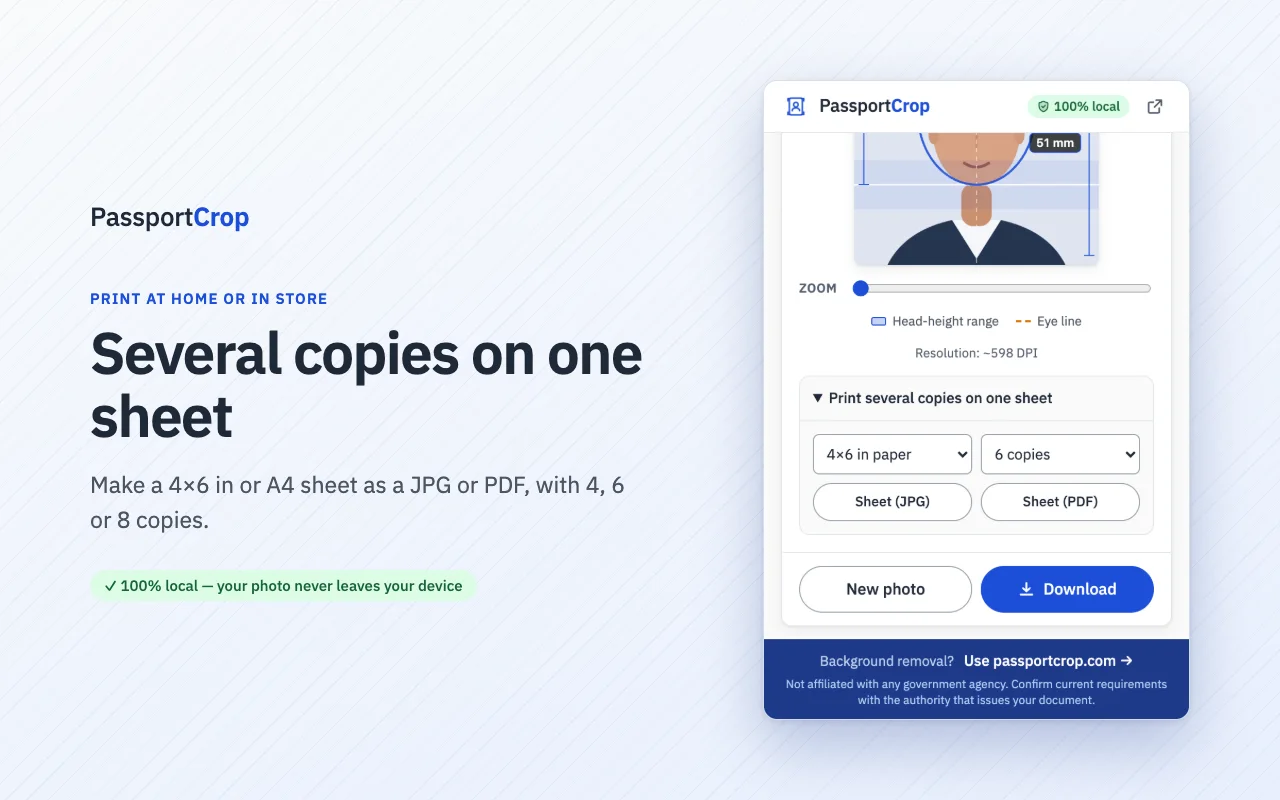
Print-ready sheets
Put several copies on a 4×6 in or A4 sheet and save it as a JPG or PDF.
See it in action
How it works
- Click the PassportCrop icon in your browser toolbar.
- Search for your country or document and pick the photo size.
- Drop in a photo, or choose a file.
- Drag and zoom to line up your head with the guides, then download.
Private by design
Cropping happens locally inside the extension. There are no uploads, accounts, analytics or tracking in it, and it requests no browser permissions. Read the privacy policy for the details.
Frequently asked questions
Is the extension free?
Yes. It is free, with no ads, no account and no watermark.
Is my photo uploaded anywhere?
No. Your photo is cropped on your own device, inside the extension, and is never sent to a server.
What permissions does it need?
None. It cannot read the pages you visit or your browsing history.
Does it remove the photo background?
No. The extension crops and resizes. Background removal is available only in the passport photo tool on the website.
Which browsers are supported?
Google Chrome and Microsoft Edge. Other Chromium browsers that can install from the Chrome Web Store, such as Brave, can use the Chrome version.
Will my downloaded photo be accepted?
No tool can promise that. The extension sets the size and shows framing guides, but the issuing authority decides, so check its current requirements before you submit.
Need more than a crop?
The website adds background removal and camera capture, along with a full requirements guide for each country.
Open the passport photo tool